
Reacting to a post
You can react to any post you can read, including your own and posts in closed threads. You have one reaction per post.
Like a post
Section titled “Like a post”-
Click Like under the post.
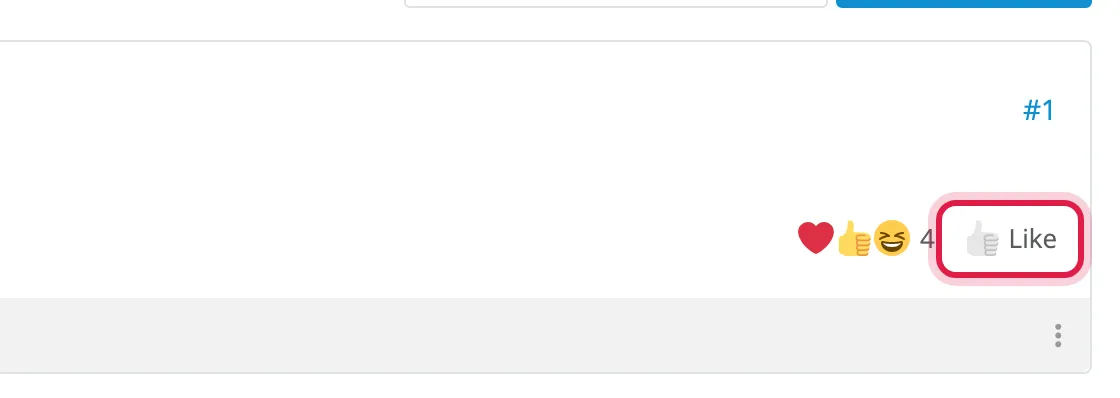
The button turns blue and shows your reaction, and the post’s summary now counts you.
Pick a different reaction
Section titled “Pick a different reaction”-
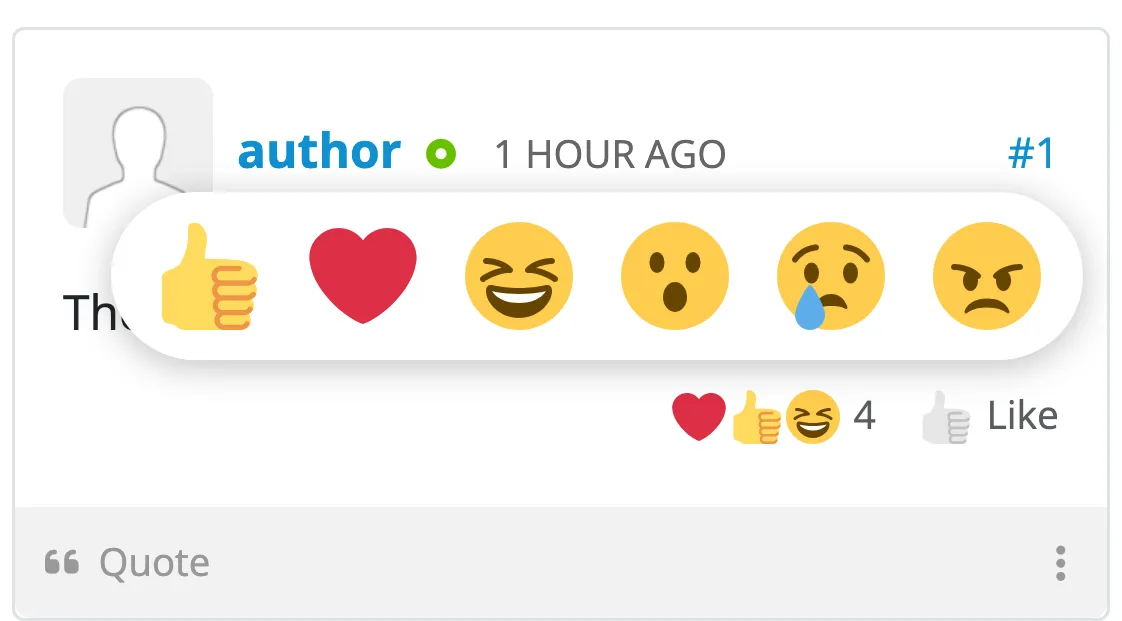
Press and hold Like at the bottom right of the post. After a moment the reactions pop up above it, and you can let go.
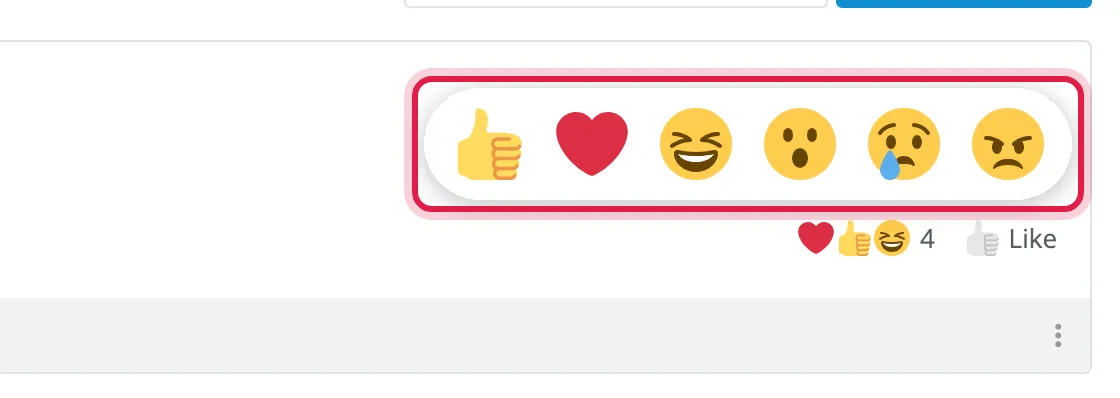
-
Click the reaction you want.
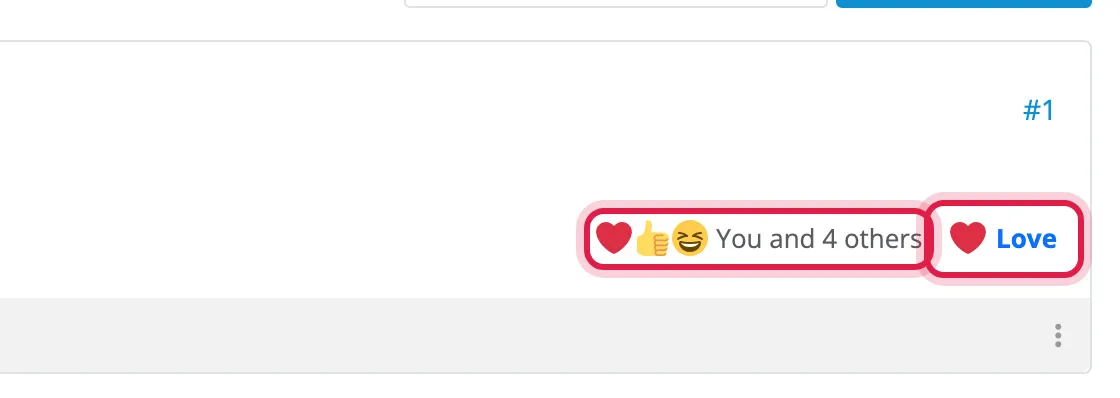
On a phone or tablet it works the same way: press and hold the button, then tap the reaction.
Change your reaction
Section titled “Change your reaction”Pick a different reaction the same way, and it replaces your old one. You never have more than one reaction on a post.
Take your reaction back
Section titled “Take your reaction back”Click your reaction under the post - the blue button - and it’s gone. Picking the same reaction again from the pop-up does the same.
Using the keyboard
Section titled “Using the keyboard”Tab to the button and press Enter to like the post (or take your reaction back). Press the up arrow to open the reactions, the left and right arrows to move between them, and Enter to pick one. Escape closes them.