
Installing
-
Download the zip from the latest release.
-
Upload its contents to the forum’s root directory. Its folders -
inc/,admin/,images/andjscripts/- line up with the forum’s own. -
In the Admin CP, go to Configuration, then Plugins, and click Install & Activate beside Reactions.
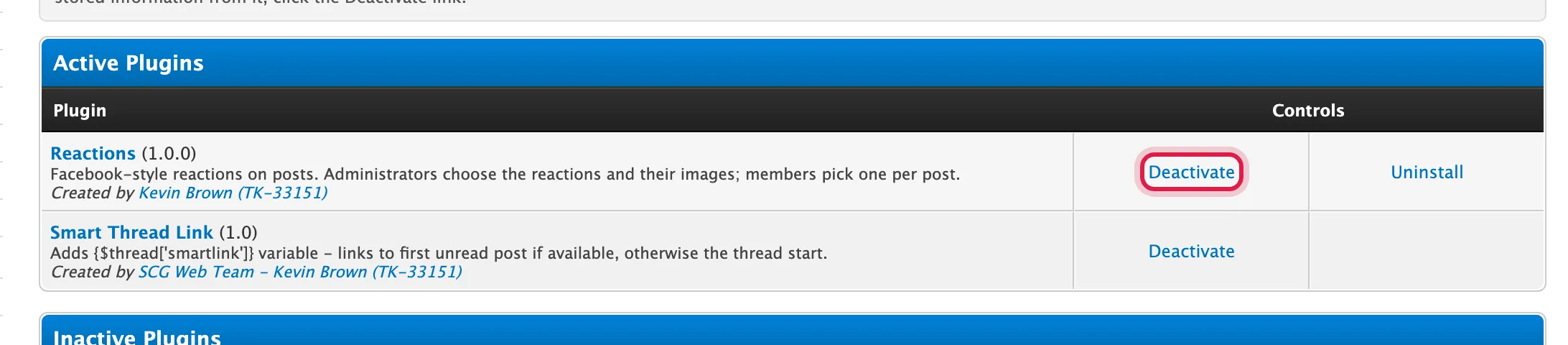
Installing creates the plugin’s tables, settings, templates and stylesheet, and the six default reactions. Activating adds the reactions bar to every theme’s post templates and the notification option to the User CP.
Uploaded reaction images go in uploads/reactions/, which the plugin creates. MyBB’s
uploads/ directory has to be writable, as it already does for attachments.