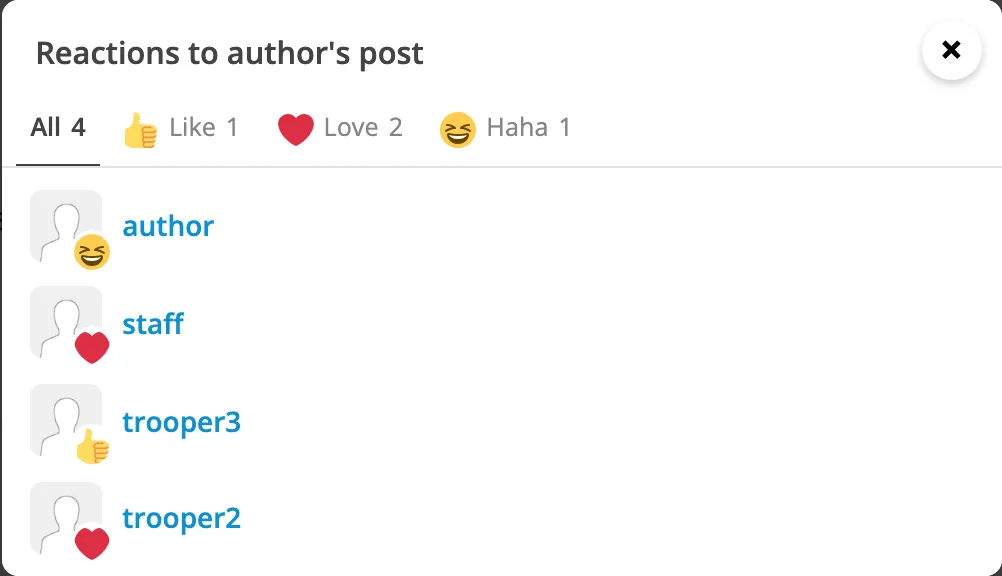
Seeing who reacted
Under every post that has reactions is a summary: the post’s most used reactions, and how many there are. If one of them is yours it says “You and 3 others”. If yours is the only one there is no summary - the button already shows your reaction.
See who reacted
Section titled “See who reacted”-
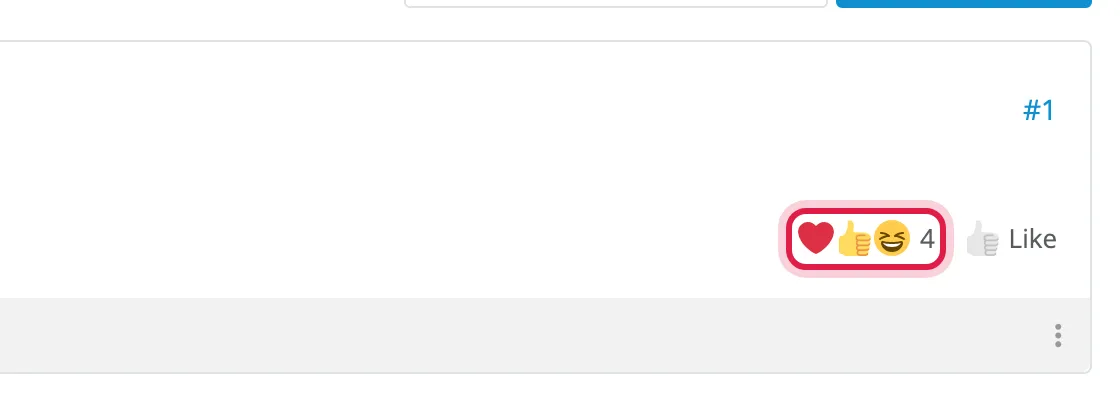
Click the summary at the bottom right of the post.
-
Everyone who reacted is listed with their avatar, newest first. Click a reaction’s tab to see just the people who picked it, or a name to open their profile.